Completely safe and secure
Your photos are never shared or stored. Once processing is done, we delete the files from our server.
Our free AI image enhancer helps you improve the resolution and quality of your photos and pictures in only a few simple steps. No sign-up needed!
Output settings
No image? Try one of these:

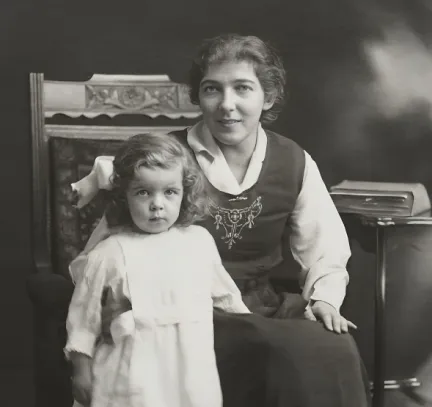
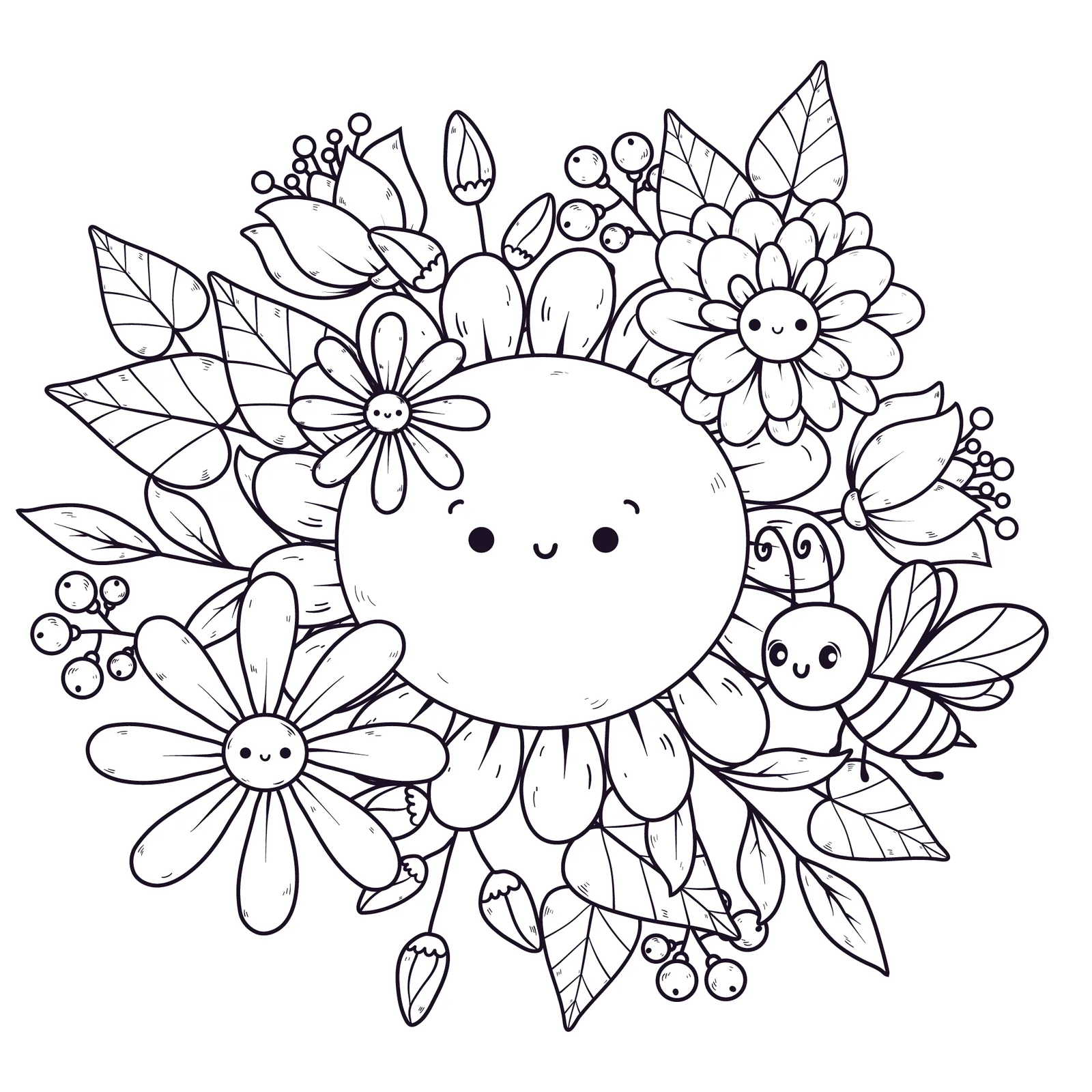
 Before
After




Trusted by 6M+ happy users
You’ve come to our tool. You’ve seen what we do. Now, you want a reason why you should use it. Let us give them to you.
Your photos are never shared or stored. Once processing is done, we delete the files from our server.
Your image is enhanced in seconds — no waiting rooms, no ad timers. Upload, enhance, download.
Upload images up to 50 MB. Work with almost any photo file without worrying about the size.
PNG, JPG, JPEG, WEBP, HEIC, TIFF, or JFIF — enhance almost any image format you have.
Click or drag-and-drop to upload your photo. We support JPG, PNG, and WebP files.
Our AI image enhancer will analyze your photo and apply the best enhancement settings automatically.
Preview the result and download your new high-quality image instantly. No watermark. No cost.

 Before / after comparison
Got a photo that looks dull, soft, or low resolution? Our AI image quality enhancer fixes it in one click. Upload your picture and the AI sharpens edges, cleans up noise, and brings back lost detail — turning a low quality image into a high quality one in seconds. There are no sliders to learn and no settings to guess. The AI studies each photo and picks the right fix for it, whether that is a blurry selfie, a dark product shot, or a small picture you want to print. You can enhance photo quality for personal memories, work projects, or social media posts, all for free and right in your browser. Want to improve photo quality without Photoshop or any editing skills? This is the fastest way to increase image quality online.
Enhance your photoZoom in on a pixelated photo and you’ll see blocky squares, jagged edges, and smudged textures. Our AI pixel enhancer rebuilds those areas one by one. It reads the shapes around each block and fills in the missing detail, so hair, fabric, text, and fine patterns look natural again. The result is a clean, sharp image with no quality loss — not just a bigger, blurrier copy. It works on photos that were resized too many times, saved with heavy compression, or taken from old phones and screenshots.
Enhance your photo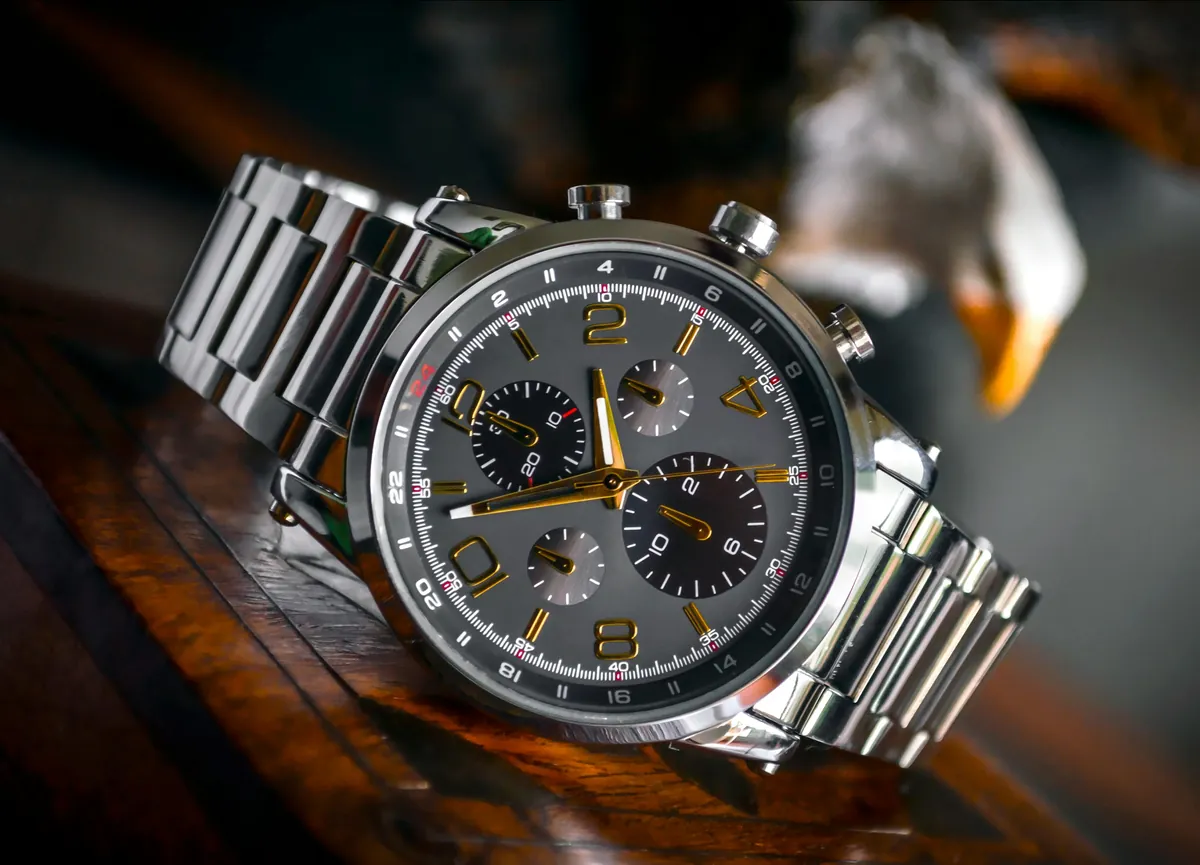
 Before
After
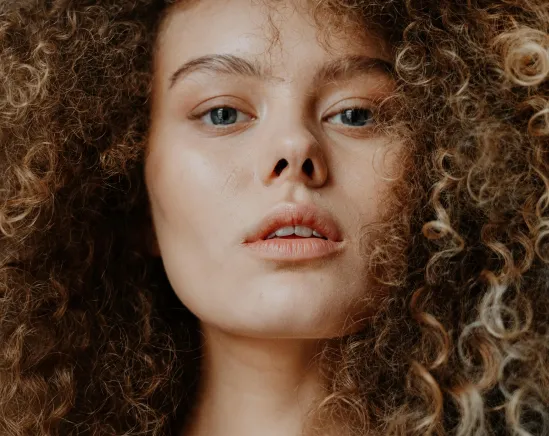
 Before
After
Our free photo clearer sharpens fine details, improves textures, and ensures that every small element in your image stands out with stunning clarity. Whether it is a portrait, a building, or a product shot, every detail in your photo is enhanced to make it sharper, clearer, and more vibrant. Need a clear photo fast? Upload it, and our AI image sharpener gives you a crisp, clear image in seconds.
Try it nowToo dark, too bright, or a little washed out? Our AI photo color enhancer balances brightness and contrast for you. It lifts shadows in dark photos, tones down harsh highlights, and corrects color casts from indoor lights or cloudy skies. The AI keeps skin tones natural and colors true to life, so your photos look vibrant without looking edited. It works great on night shots, indoor party pictures, travel photos, and product images shot under poor lighting. One click, and every picture comes out bright, clear, and well balanced.
Enhance your photoEnhance your photo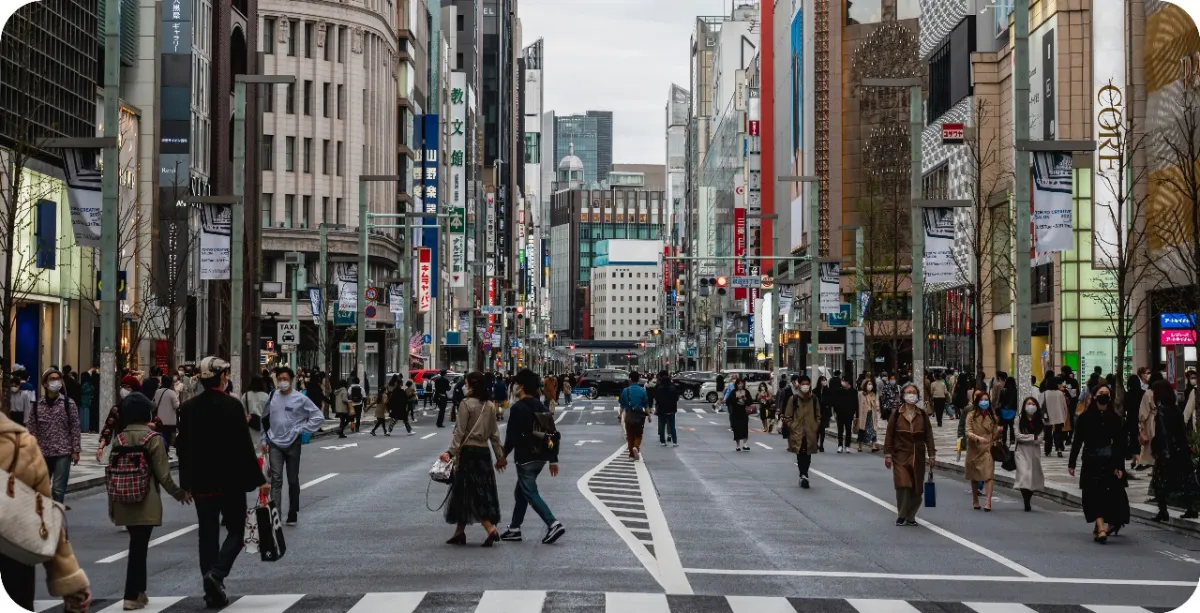
 Before / after comparison
This tool works for everyone, from casual users to professionals. Common uses include:
Make scanned notes and documents easier to read.
Restore old family photos and preserve precious memories.
Create high-quality visuals for posts and thumbnails.
Yes! Our tool offers free online image enhancement — no sign-up or credit card needed.
Absolutely. It’s designed to sharpen blurry images and fix pixelation caused by resizing or poor compression.
Yes — our AI uses advanced models to improve image resolution by upscaling intelligently, not just stretching pixels.
Your uploads are processed securely and never stored. You control your data — always.
Nope. This is a 100% browser-based online photo enhancer. Works on desktop and mobile instantly.
Upload your blurry photo and our AI removes the blur automatically. In a few seconds, download a sharp, clear image — free and with no watermark.
Drop the pixelated image into the tool. The AI rebuilds the missing detail, smooths jagged edges, and gives you a clean, high-quality picture.
Our AI removes grain and noise from low-light and night shots while keeping details sharp. Just upload the photo and let it work.
How do I restore old photos?